Independent Tilt Feature
Improving Solar Design Flexibility
Project Details
ROLELead Product Designer
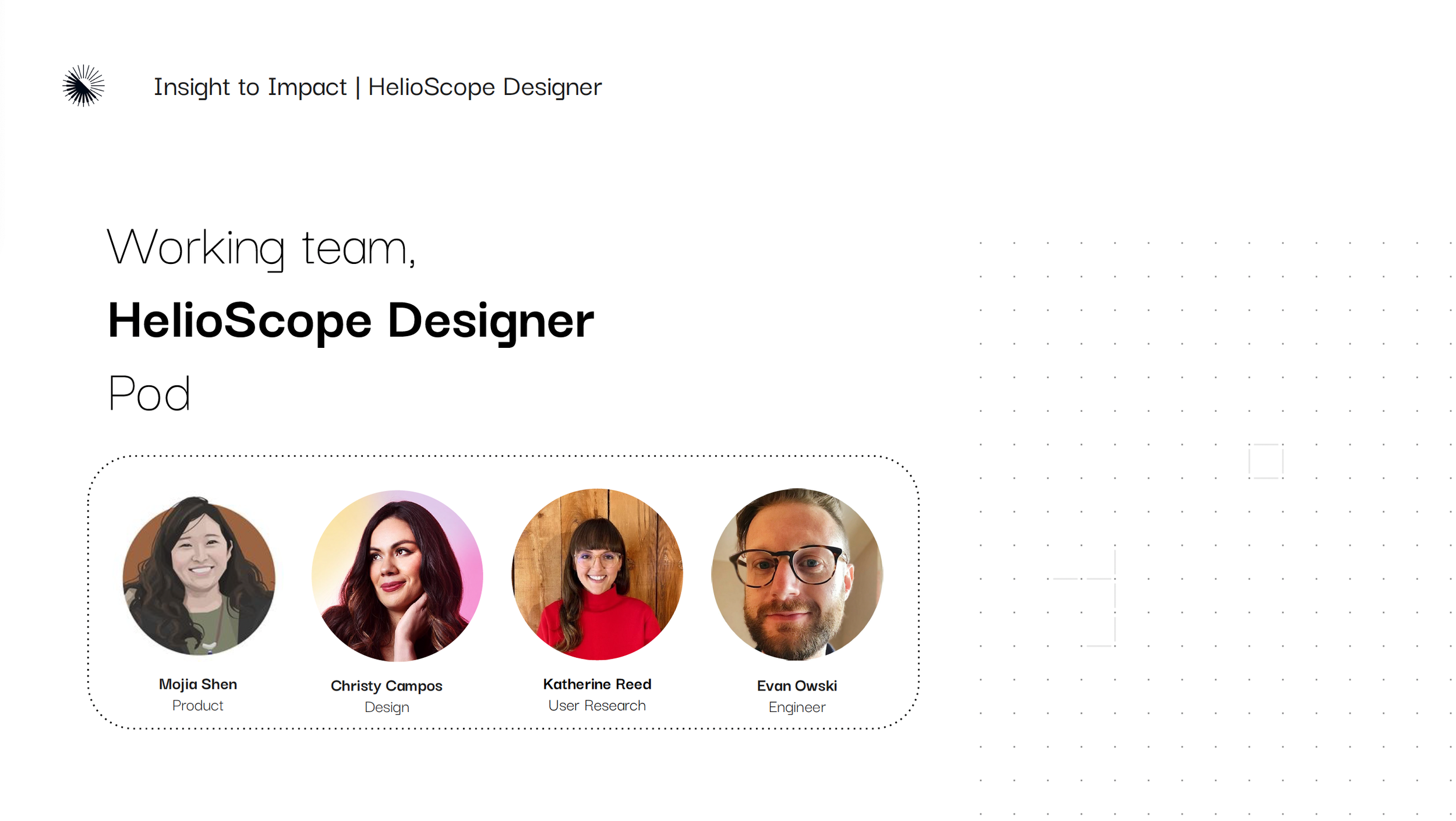
TeamPM
UX Research
Tech lead, engineering team
Design team reviews
RESPONSIBILITIESFeature Discovery
Customer Interviews
Competitive Research
Concept Design & Testing
Stakeholder Workshops
Final Design
Component Design & Development
PRODUCTHelioScope
CAD feature
development
Background & Context
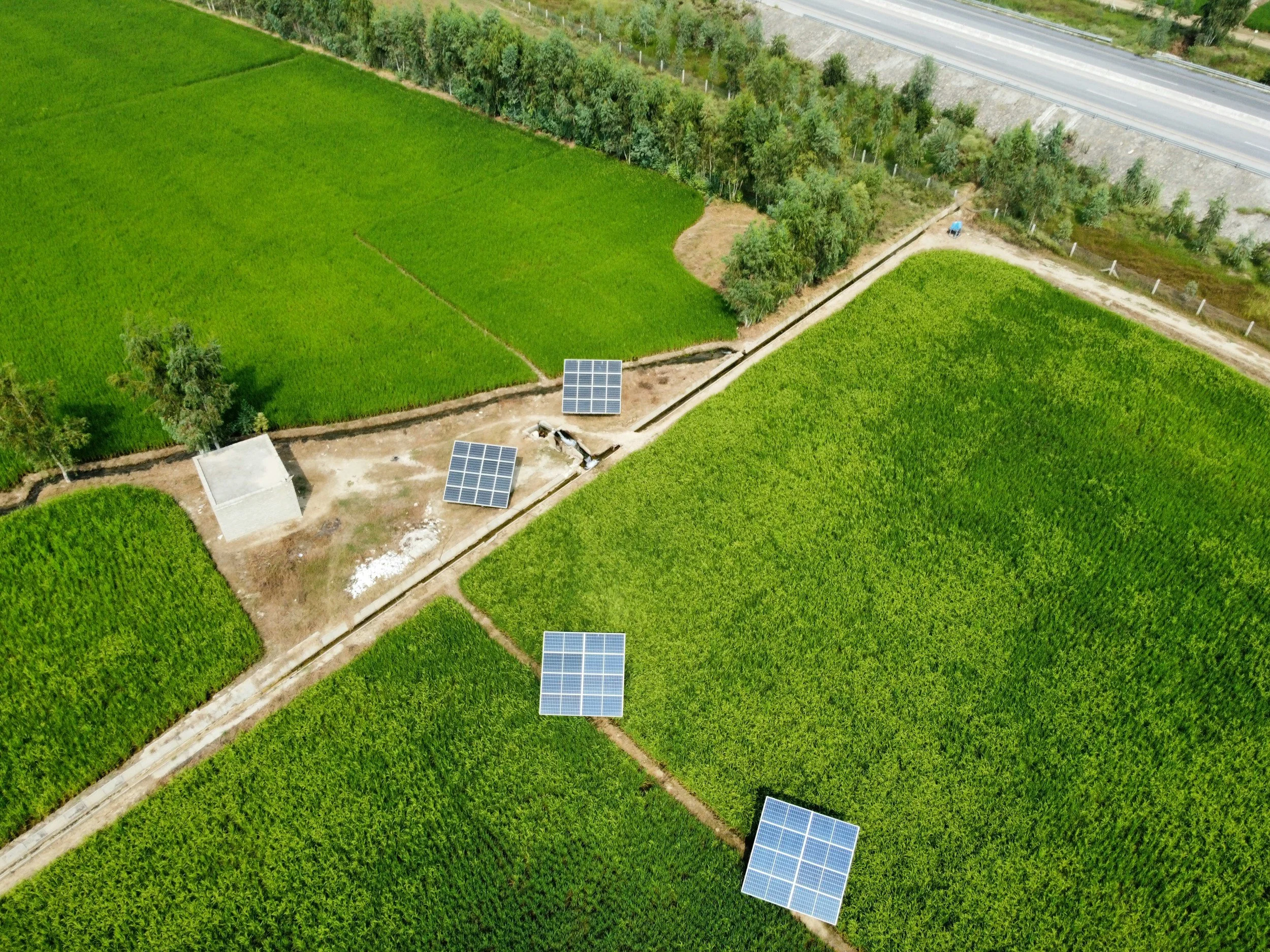
OVERVIEWHelioScope is a commercial solar design platform used by solar engineers, sales personnel and developers to model solar PV systems and generate accurate production estimates. Our team ran a customer survey in Pendo to identify which new features would deliver the most value – a function called Compound tilt emerged as the top request.
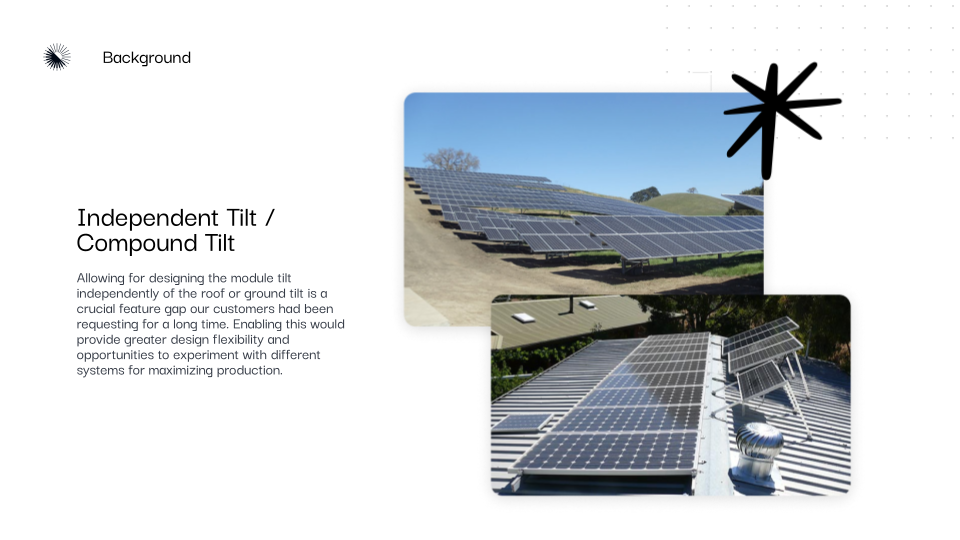
PROBLEMCustomers needed the ability to adjust the tilt of the solar modules independently from the tilt of the roof or ground surface within the designer. Without this functionality, panels would default to the same slope as the surface–resulting in inaccuracies and forcing teams to rely on external tools.
SOLUTIONI led UX discovery and design, collaborating closely with product and engineering to understand how, when and where customers would expect this feature to work. We implemented HelioScope’s first discovery-led feature into the CAD designer called Independent Tilt.
DISCOVERUnderstand the Problem
We needed an understanding of user needs and expectations around the feature and when, where and how customers would expect to use it.
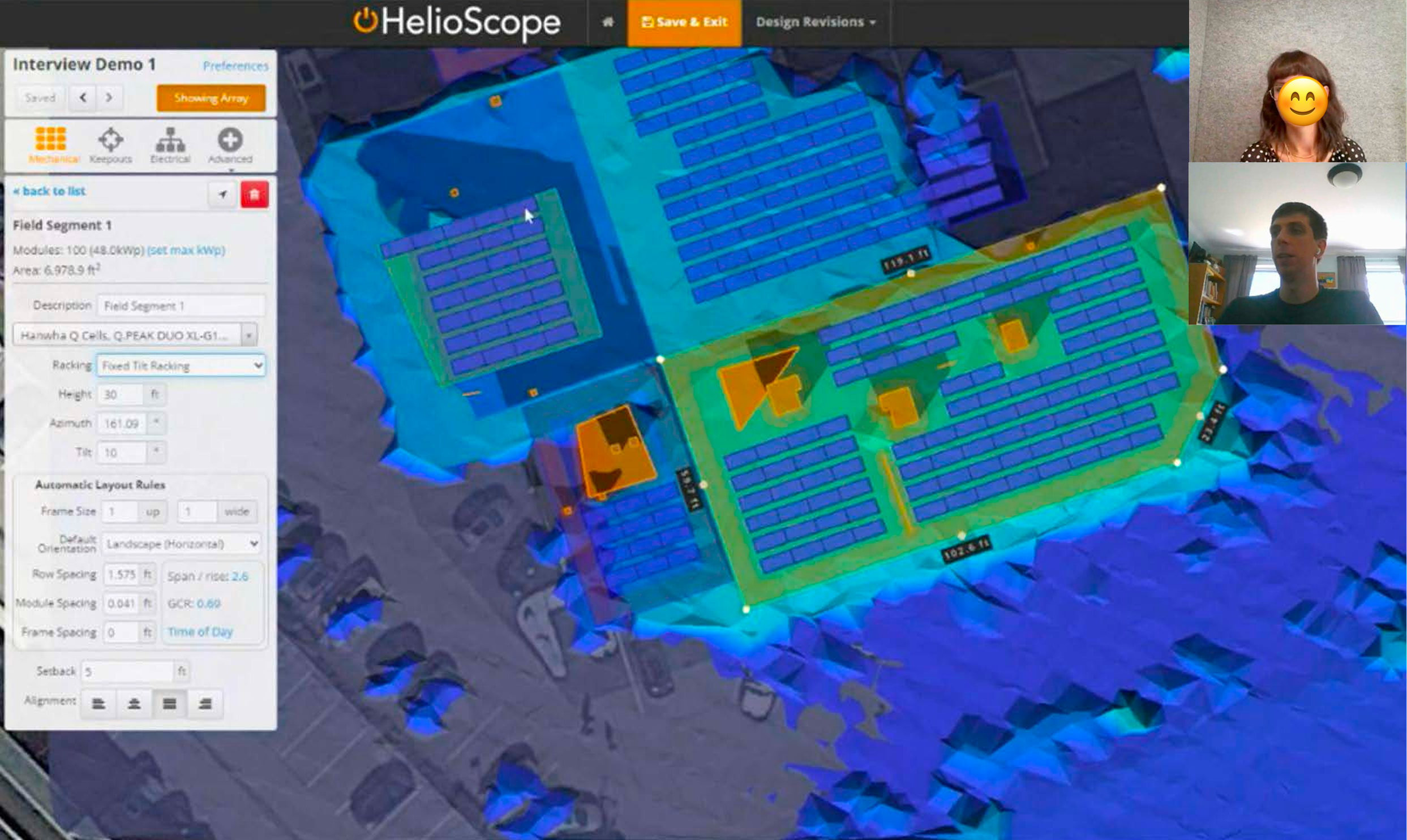
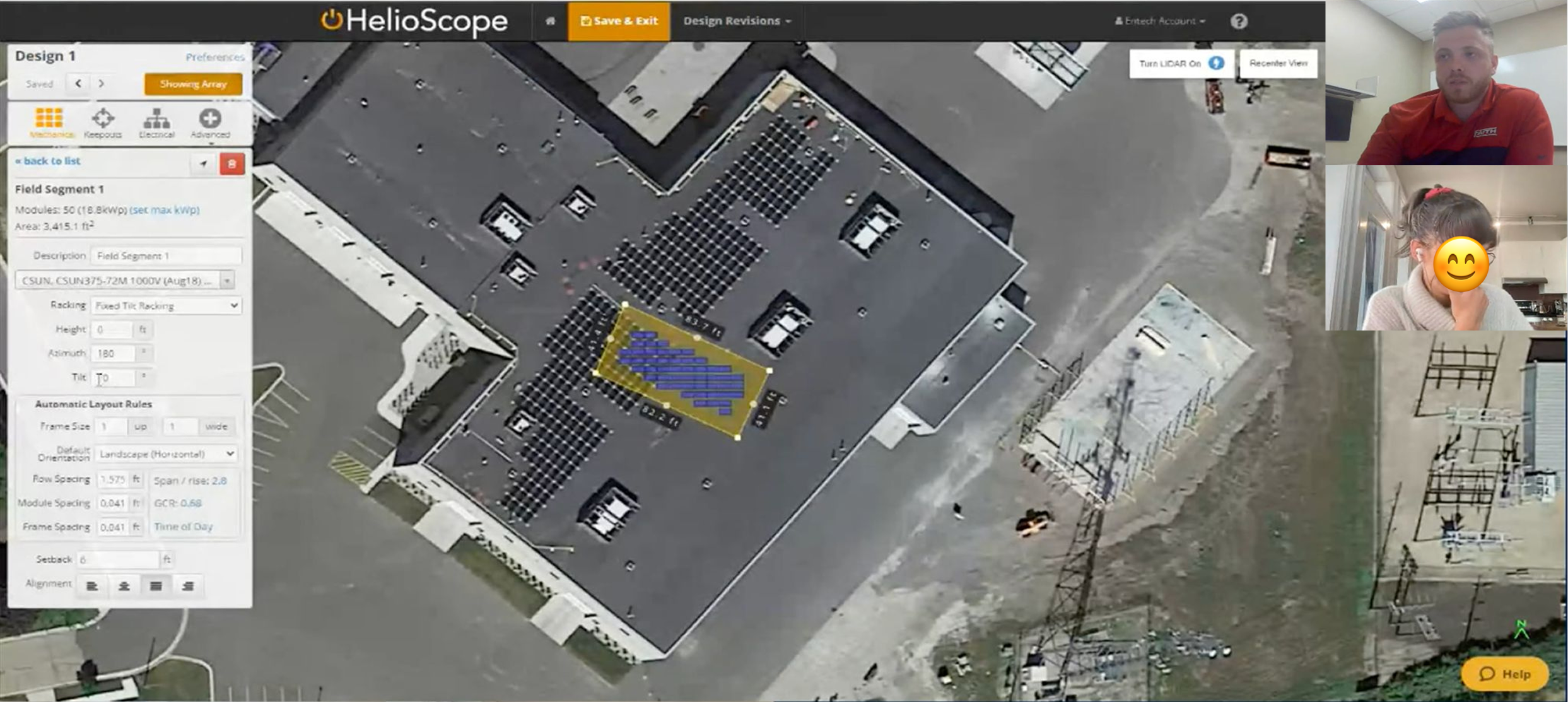
Together with my product manager and UX researcher, we conducted six customer interviews to understand how users expected this feature (which we were initially calling Compound Tilt) to work and where it would provide the most value. We explored questions such as:
How would you expect Compound Tilt to work?
In which types of designs would you need it? Which racking types need this feature?
Does “Compound Tilt” make sense as a feature name?
Are there other use cases where you’d expect to see this functionality?
Revealed Insights
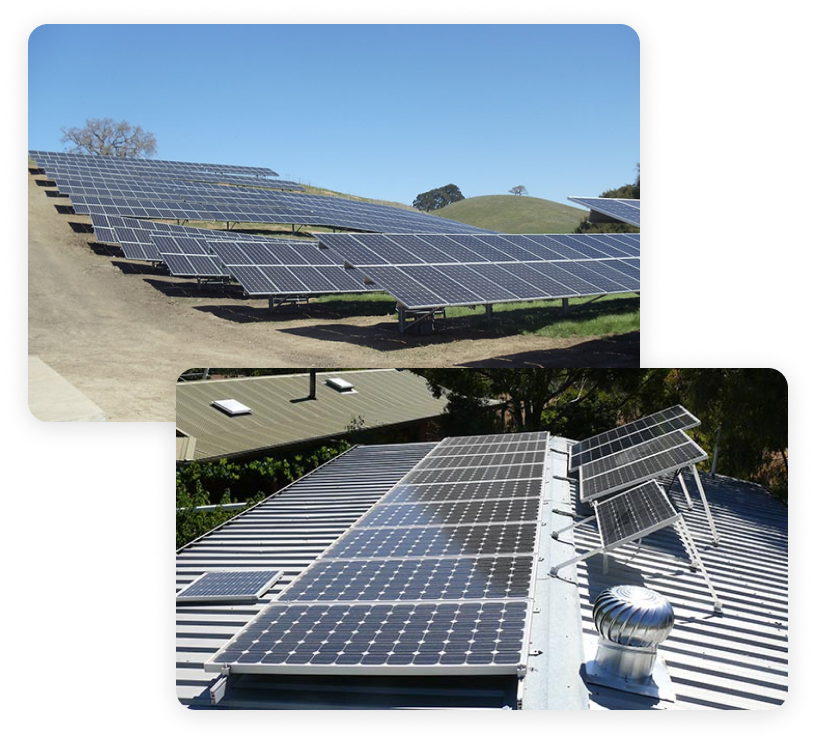
These conversations surfaced several unexpected use cases. Customers envisioned using this feature for fixed-tilt racking systems–one of five available racking types in the CAD designer (the other racking types included flush mount, east-west, carport and single-axis trackers) . They also wanted to leverage this feature for ground-mounted projects on uneven terrain (where there might be a slope on the land) and commercial rooftops where trying to model low-slope roofs for water drainage was a persistent pain point. One important insight was also that customers did not fully understand the term compound tilt for this feature–a new feature name called Independent Tilt emerged as the more clear and understood feature name from our customers. Finally, a few customers who focused on large scale ground mounted solar farms expressed interest in being able to model the ground terrain prior to panel placement–an insight that revealed new opportunities for HelioScope since we did not offer that ability today.
My product manager, UX researcher and I put together a discovery kick-off plan and gathered the initial questions we wanted to ask customers before our UX researcher interviewed them.
How Might We’s
We aligned on two strong How Might We (HMW) statements that us a clear pathway into design ideation. This workshop was critical to de-risk the project and ensure alignment with stakeholders early. Without this exercise we risked project timelines derailing or scope creep or surfacing later. This activity also helped us define which problem statements to intentionally leave out of scope–for example, some customer requests, while valid, required significant engineering effort that risked derailing delivery of the core functionality we were focused on.
How might we enable a solar designer to accurately model a ground mount system on a sloped hillside with a panel tilt different from the ground tilt?
How might we enable a solar designer to design a fixed tilt system on a commercial, low pitch roof in way which optimizes energy output?
DEFINEProblem Statement Workshop
To ensure we were solving the right problems before moving into solutions–I facilitated a problem statement workshop with my cross-functional team (product manager, UX researcher, marketing manager and our tech lead). This session created space for us to align on what we had heard in customer interviews, synthesize those insights, and prioritize which problems to address immediately versus which could be deferred.
We used problem statements to align on customer pain points and opportunities as well as establish a clear, shared understanding of the problems worth solving
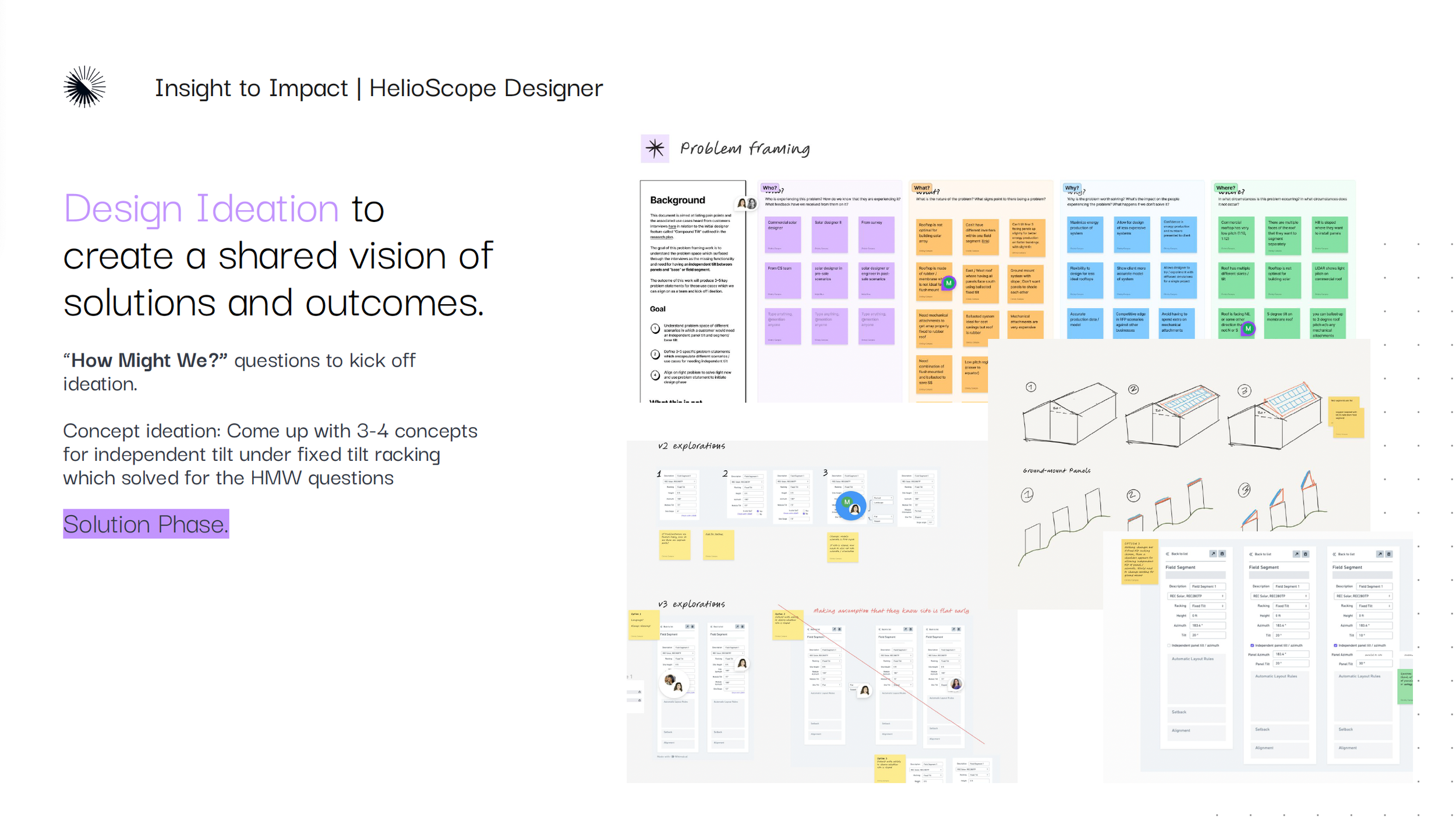
As a group, we translated interview insights into clear problem statements and then grouped the statements using a “Who, What, When, Where, Why” framework to uncover root causes and affected personas. The problem statements were then converted into How Might We (HMW) questions which framed them in ways that would encourage creative, solution-oriented thinking and kick off design ideation.
DEFINEUser Personas
From our customer interviews and problem statement workshop, we identified the HelioScope personas most impacted by this feature. Aligning on target personas gave the team a clear lens for measuring success, identifying who to re-engage for post-release feedback, and prioritizing solving the problems which would deliver the greatest value.

“I need to explore multiple variations given physical, engineering and usage constraints, so I can propose the best technical & financial solutions.”

“I build design layouts quickly, so I can use the production estimates in my client-facing proposals & refer back to these designs as historical records.”
“I need everything to be as technically accurate as possible before exporting HelioSope so I only have to make a few tweaks in CAD”
IDEATEConcept Ideation
A Shared Vision of Solutions & Outcomes
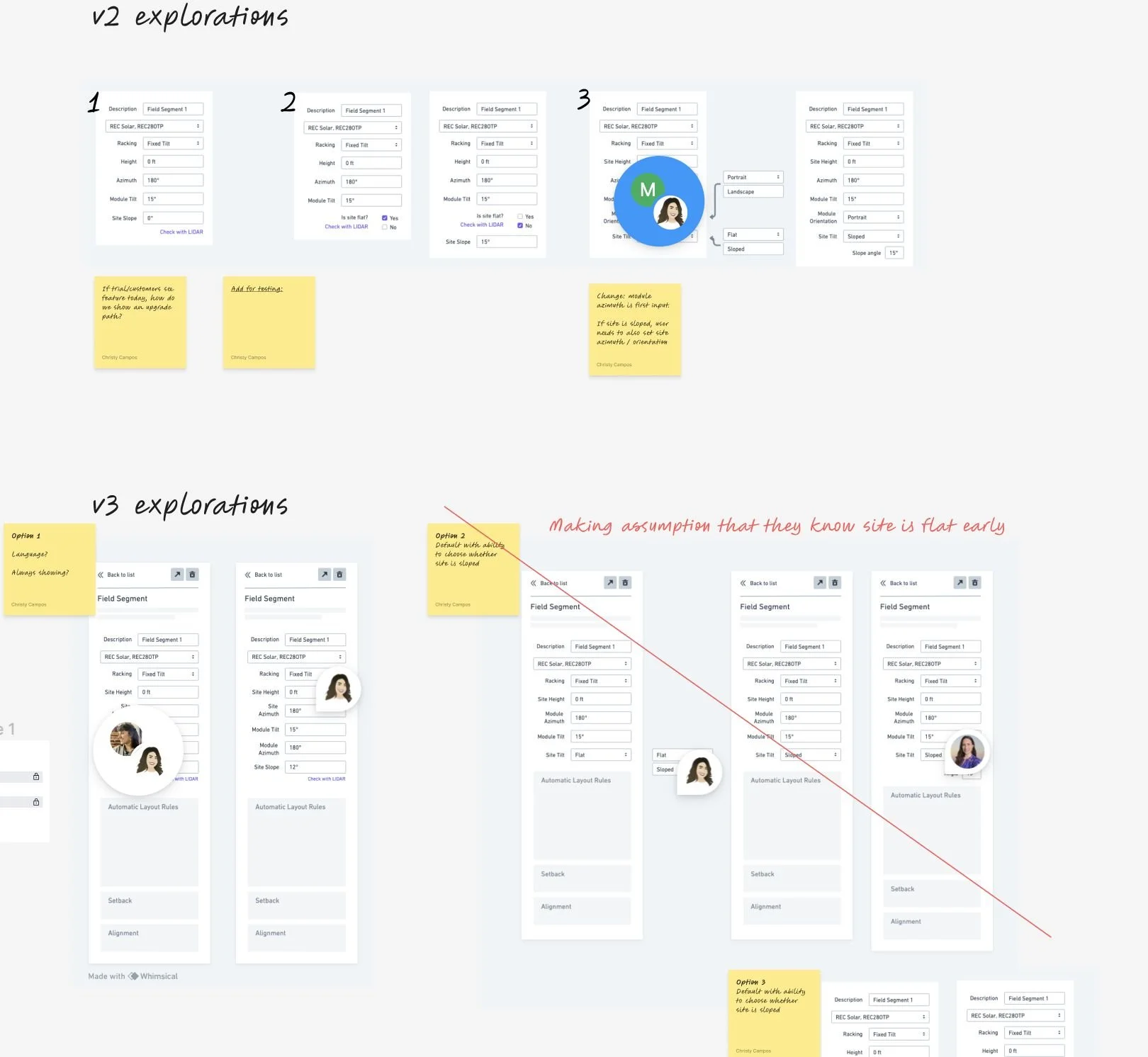
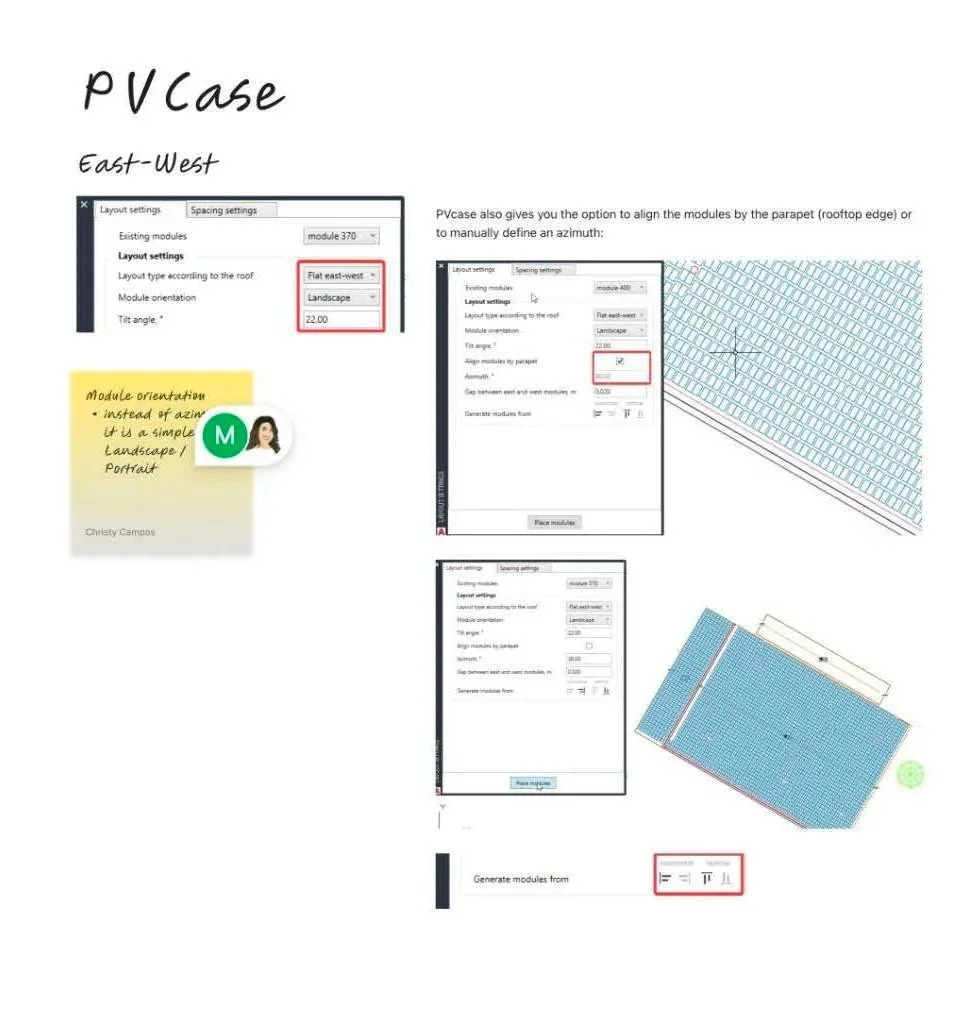
Using the HMW statements, I set out to generate 3–4 design concepts for the feature that could be tested directly with customers. I also conducted a competitive review of other solar design tools such as Solmetric and PVCase–analyzing how they approached similar problems for design flexibility and where HelioScope could differentiate. By combining customer insights with input from engineering and design peers, I narrowed the exploration to a set of promising designs which we used to validate with customers through concept testing.
Concept Testing
We asked customers to review the prototypes and provide feedback on feasibility (whether they can successfully use the design for the provided project scenarios), completeness (whether any functionality is missing for them to complete their tasks), clarity (whether the new terminology makes sense and aligns with their mental model) and value (whether the design provides clear business value for them).
The concepts were kept low-fidelity to help customers focus on whether it would meet their needs, rather than getting distracted by visual or usability details.
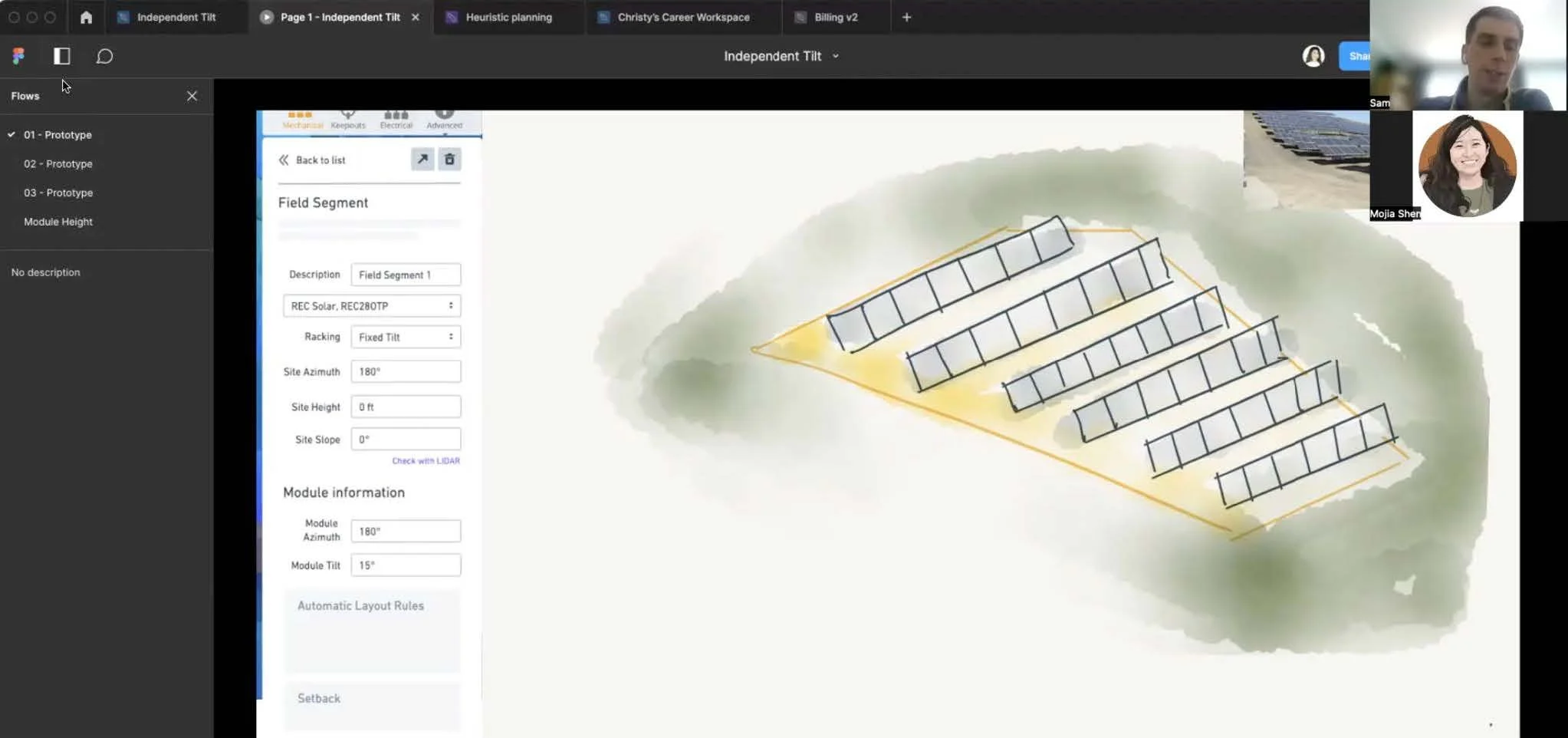
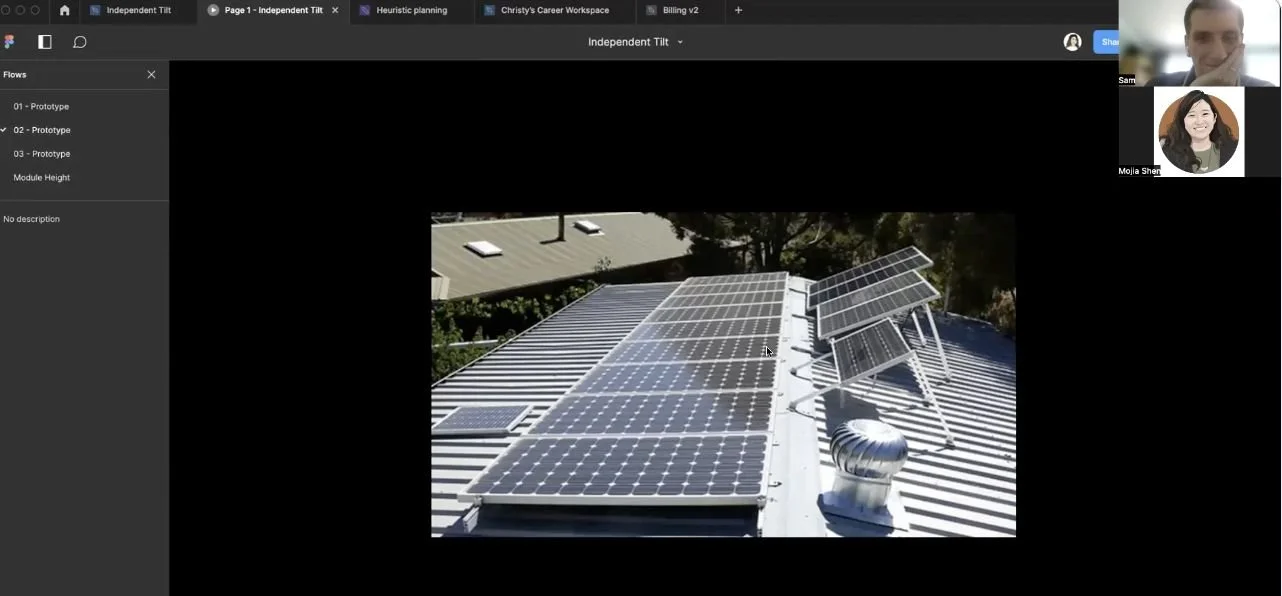
Key Insights
We uncovered several valuable insights that directly informed the next iteration of the design. These insights included unexpected around how customers envisioned the feature fitting into their broader CAD workflow, the terminology we used, and the level of functionality they expected from the tool.
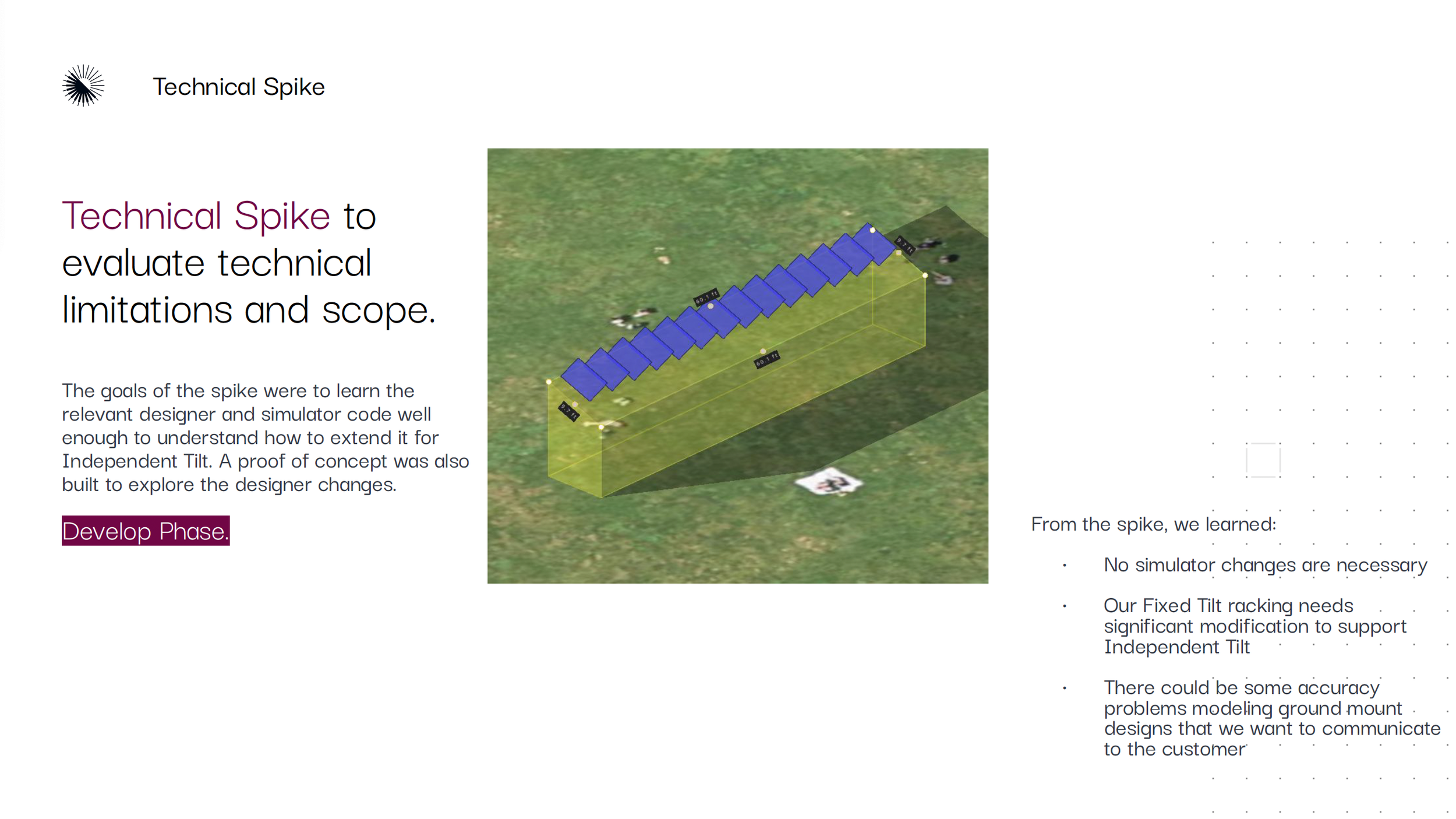
Module height is a required input for ground mount systems. The designed concepts–although allowing for a different tilt between the panels and the surface they were mounted on–did not allow for customers to set the module height off of that surface. This was especially important for ground mount systems, where the panels would normally be set to a height of approx. 2.5 ft off the ground. We came to realize this feature could not be launched without this capability.
The word “site” was confusing and misaligned with customer terminology. “Site slope” and “site height”–which were labels used in the concept design–confused users. They let us know that the term “site” was used in the industry to capture the entire project area not just the specific roof or ground areas.
Quick actions like right-click functionality was expected to work with this feature as part of their existing CAD workflow. Currently, users were able to access quick actions via a right-click menu in the CAD designer, instead of having to search for the action in the design panel. They expected that this feature would also be available via the right-click menu. This insight helped inform this and future projects as we realized this function enabled speed and ease-of-use in workflows.
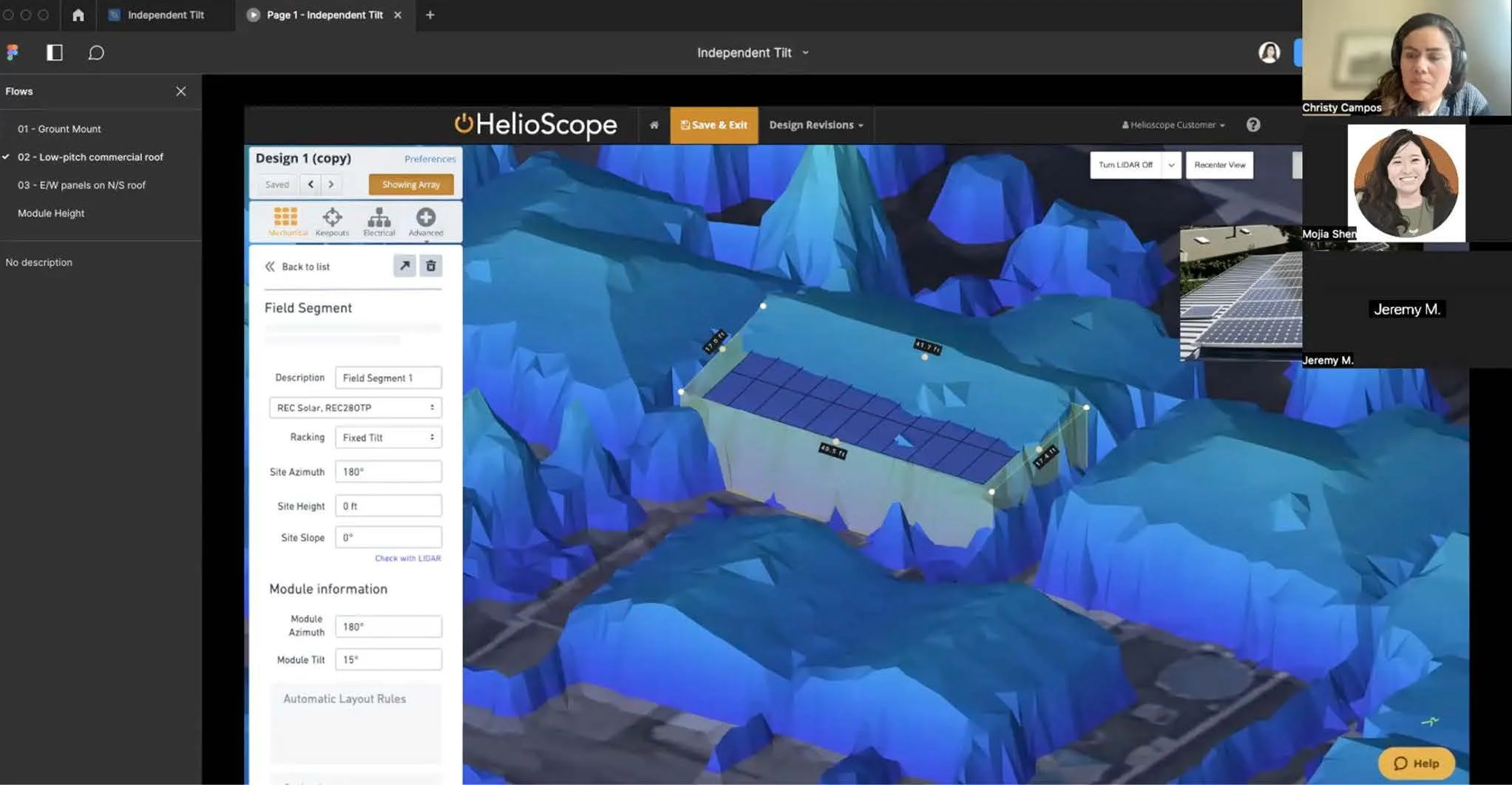
Customers wanted the option to use LIDAR data to set the tilt for roof and ground mounts. LIDAR– which was a map layer from light sensing technology which showed accurate topography and buildings in 3D–was currently available in the CAD designer and used to setting accurate heights / tilts of solar systems. Users expected to also set the new values for independent tilt using this feature – instead of manually entering values or having to guess the values needed. This would improve speed and reduce costs to capture data on-site.
East/West racking on North/South roofs was rare and offered little customer value. Although we offered this configuration in the concept design, customers let us know that this specific use case–where the panels are facing a different direction from the roof slope–would likely almost always go flush mount (panels flush against roof) not fixed tilt–which is the racking type in which this feature lived. We made the call to remove this option from this racking type.
DESIGNInsights to Action
By incorporating customer feedback, I made several key design decisions that balanced clarity, efficiency, and technical constraints for the Independent tilt feature.
From customer interviews, we learned that setting the surface tilt separately from the panel tilt for fixed tilt racking was not a feature they would be used for every design–therefore, to avoid cluttering an already complex design panel, I leveraged progressive disclosure and nested the feature within a dropdown. I also added the very important functionality of setting the height of the panels off the surface–an important need, especially for the growing ground-mounted solar farms which our customers expected to use this feature, Additionally, we wanted to support learnability for customers by adding contextual help links within the panel–giving them quick guidance. Terminology was also refined based on customer testing and the new term “surface” was adopted (instead of “site) to clearly represent the mounting surface–thereby matching industry terminology.
To improve speed and efficiency when using the feature, I integrated it into the right-click menu–aligning with customer expectations. I also worked with my engineering team to allow the new surface tilt values to match LIDAR topography data, thereby reducing manual input by the user. Furthermore, I took ownership of foundational design system work and worked closely with my tech lead to create reusable components that could scale. We co-developed code-based prototypes to stress-test interactions, uncover edge cases, and provide realistic screenshots for both design reviews and marketing release assets.
We prioritized improvements which improved speed, efficiency and ease-of-use within our customer’s existing workflows.
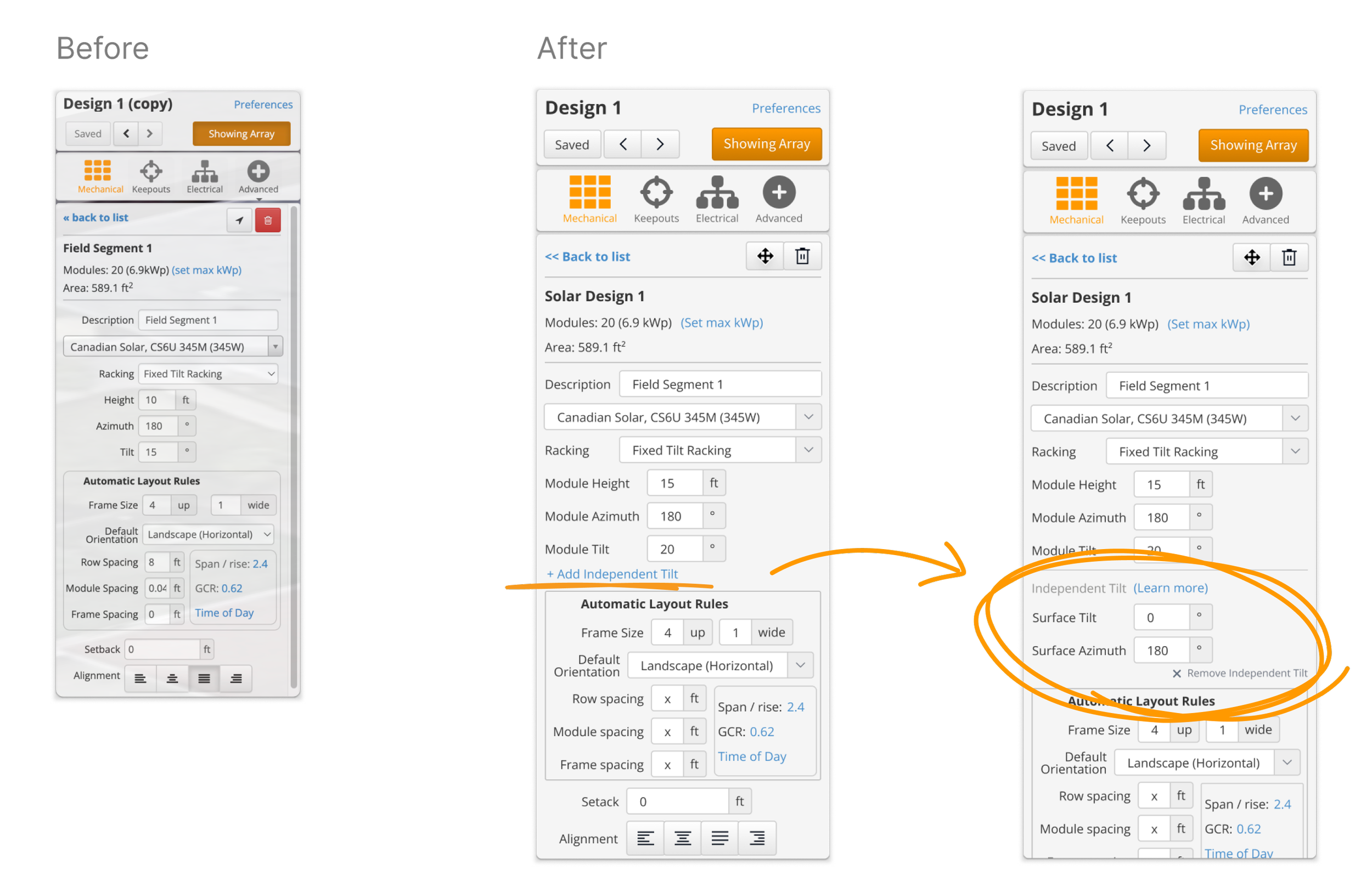
The Independent Tilt feature was placed under fixed tilt racking–as per our customer’s expectations. It was nested underneath the existing values. The terminology was changed to better differentiate between the module and surface values. When opened, the user could learn more via a help link. Removing the feature would rest the surface values to 0.
From the customer interviews, we learned that this feature would not be used for every design–therefore, to avoid cluttering an already complex design panel, progressive disclosure was leveraged.
We learned that it was very important for solar designers to set the height of the panels off of the surface or ground–especially for the growing ground-mounted solar farms. We added a surface height value for this functionality.
We wanted to improve speed and efficiency when using the feature, by integrating it into the right-click menu–aligning with customer expectations–as well as enabling it to work with our LIDAR datasets–thereby reducing manual input by the user.
Future-focused Ideation
I looked for opportunities to set the foundation for future improvements. I refined language across designer panels to ensure consistency, made minor visual cleanups, and sketched out some forward-thinking concepts that explored consolidating the four racking types in the CAD designer into a single, more flexible solution. At the moment we had 5 different racking types in a dropdown (fixed tilt, flush mount, east-west, carport and single-axis trackers)–each of which presented different and more often than not–repetitive–options to our users.
This vision would not only simplify the CAD designer but also give customers greater flexibility from one streamlined panel. It would also enable trial users to onboard faster – positively influencing our trial conversions.
Although this merged panel vision was out of scope for the initial release, I convinced my team to add tracking across all the racking types. By embedding measurement into the release, we created a way to validate whether customers naturally gravitated toward a single racking type–fixed tilt–after we rolled out the feature. This data could lay the groundwork for validating our hypothesis that this feature will create more of a flexible design option in fixed tilt, to the point in which the other racking types will see little use.
DESIGNEnabling Upgrades
A key goal of this project was to strengthen the value of the newly implemented, mid-tier Pro plan–which lacked compelling upgrade drivers and had little differentiation from the lower tier plan. Partnering with my product manager, we positioned Independent Tilt as a Pro (mid-tier) feature aligned with its ideal customer profile: commercial designers who sell projects and need flexibility to present multiple options with accurate production values. To support this, I proposed HelioScope’s first in-product upgrade flow, using disabled Independent Tilt fields with subtle prompts so users could see the feature’s value before deciding to upgrade.
I designed tailored flows for trial users and collaborated with my tech lead to address permissions edge cases, ensuring admins saw direct upgrade prompts while non-admins were guided to notify their admin to upgrade. These solutions not only encouraged Pro adoption but also introduced reusable upgrade patterns within the CAD designer, laying the groundwork for future product-led growth initiatives.
I proposed HelioScope’s first in-product upgrade flow, using disabled Independent Tilt fields with subtle prompts so users could see the feature’s value before deciding to upgrade.
Basic to Pro Upgrade Path. Basic users would be able to click on the Independent Tilt feature, however the fields would be disabled and they would be presented with a subtle upgrade banner which would take them directly to the payment flow.
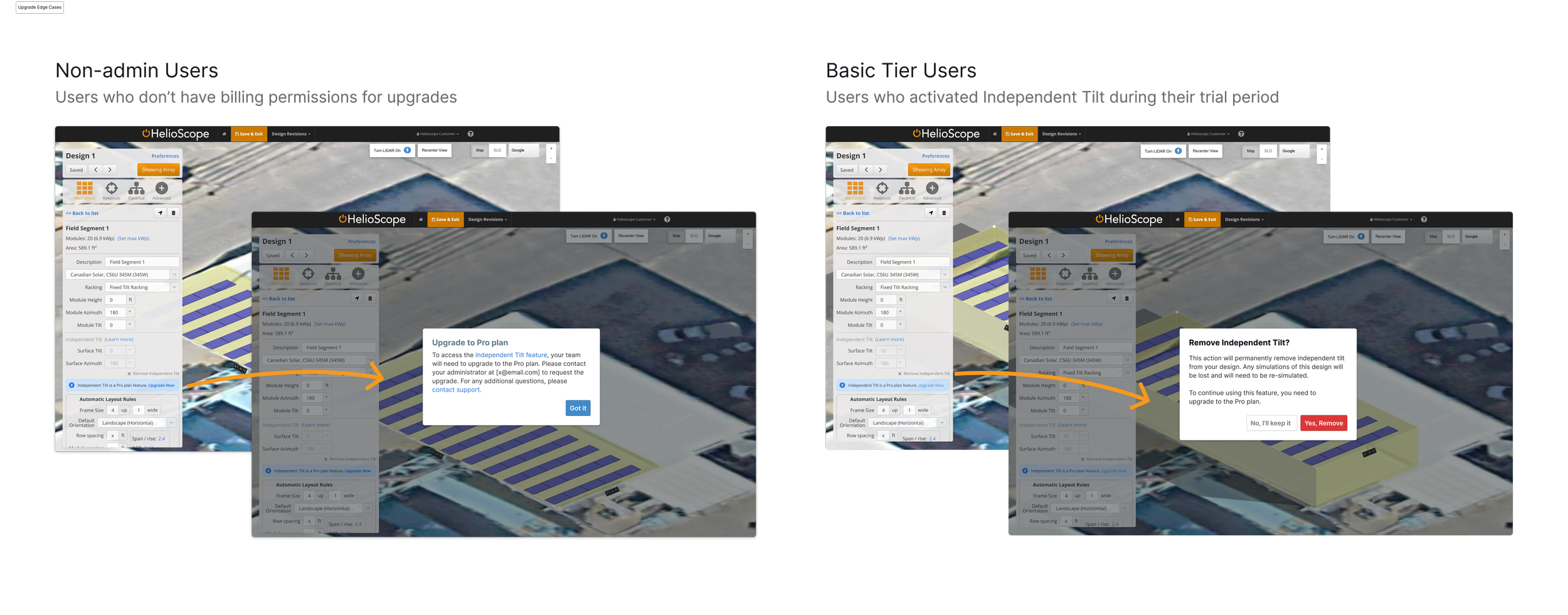
Other Edge Cases. Non-admin users did not have billing permissions and would be presented with a dialog to contact their administrator and request an upgrade for this feature. Users who had activated Independent tilt during their trial but upgraded to the Basic tier (without independent tilt) could still see their values but not change them unless they upgraded.
Overall Impact
Before Independent Tilt, customers had to rely on tedious workarounds to achieve accurate tilt calculations. They either exported production values into spreadsheets and manually adjusted for roof or ground tilt, or exported CAD files into competitor products to finish their designs. By bringing this functionality directly into HelioScope, we eliminated those friction points–allowing customers to work faster, stay within our product ecosystem, and deliver end-to-end designs without leaving the platform.
The launch proved to be one of the first discovery-led success stories at HelioScope. Within the first six months, we saw 20% adoption among Pro plan users and drove 12 direct plan upgrades through the new in-product upgrade path. Beyond adoption metrics, the feature unlocked long-requested design flexibility, deepened trust with customers, and gave our Pro plan a clear value driver.
Within the first six months, we saw 20% adoption among Pro plan users and 12 direct plan upgrades through the new in-product upgrade path
Sharing Learnings
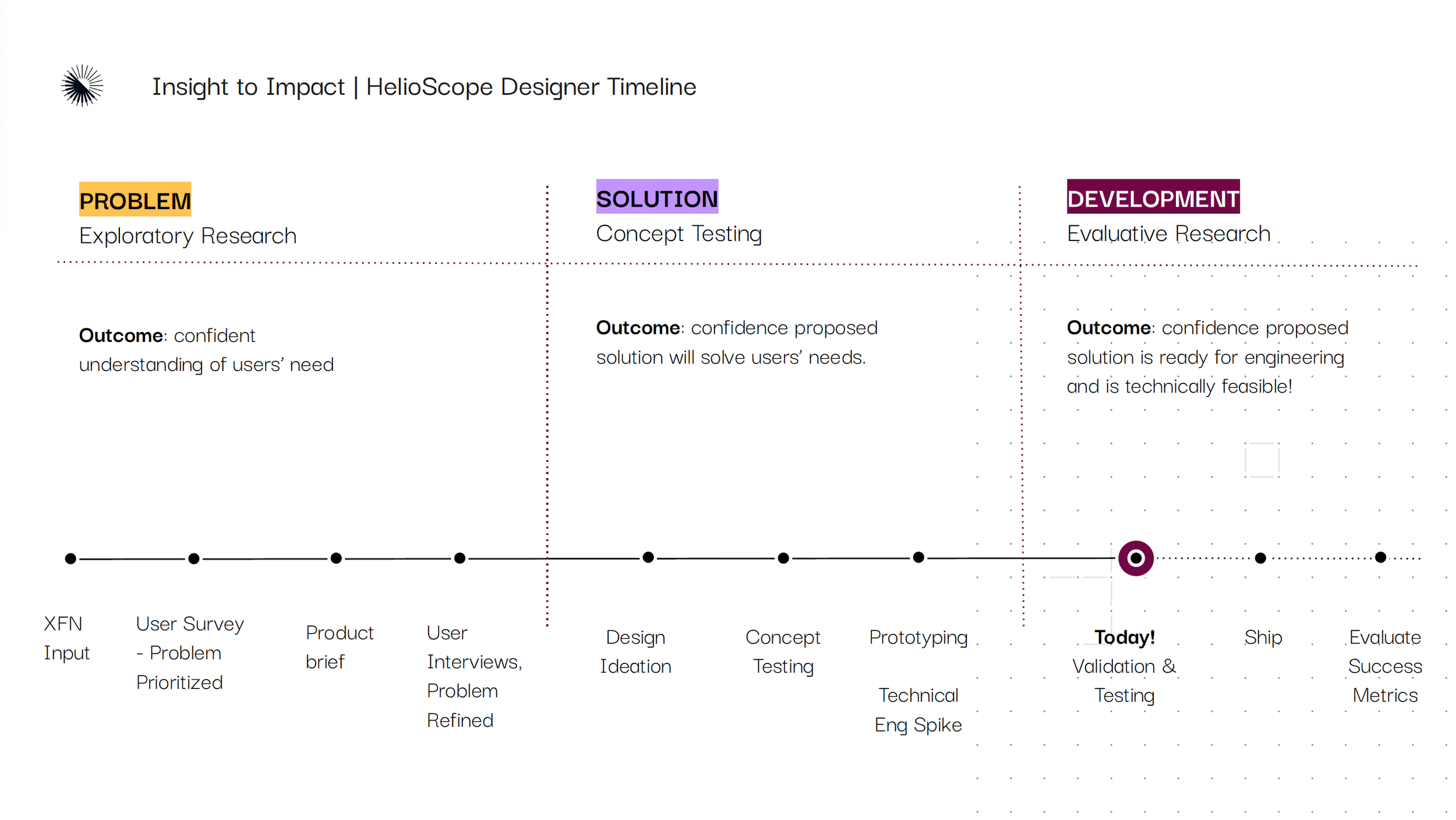
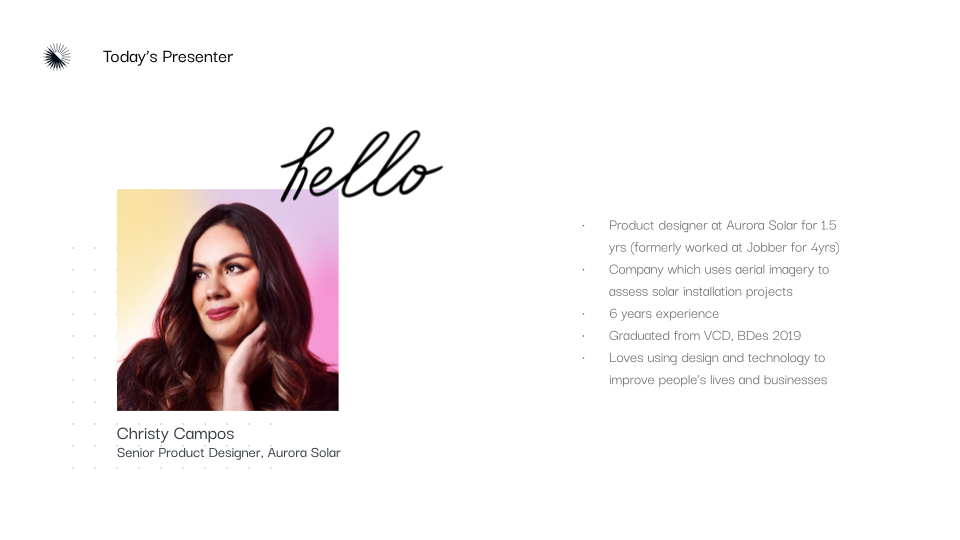
This project also had a lasting influence internally. Being the first-ever designer to ever be hired to HelioScope, it was important to me that we share our learnings and the value of the discovery process we took leading up to the successful launch of this feature. I used this case study to present to the entire company (along with my tech lead and product manager), showcasing how a structured discovery process–talking to customers early, testing with low-fidelity concepts, and de-risking assumptions–can lead to features that resonate and deliver measurable business impact. It helped reinforce the value of discovery with leadership and stakeholders, and influenced how other teams approached product development.
Finally, post-release interviews surfaced opportunities for iteration, which I drove back into our product roadmap after discussion with my PM– this demonstrated how discovery is not a one-time step, but an ongoing practice and that post-release qualitative and quantitative feedback from our customers can enable changes to further improve their experience and drive product adoption.
Independent Tilt not only delivered a powerful feature customers had been requesting for years, but it also established a new model for how HelioScope approaches product discovery
To summarize, Independent Tilt not only delivered a powerful feature customers had been requesting for years, but it also established a new model for how HelioScope approaches product discovery, proving that investing time in the problem space pays off in adoption, upgrades, and long-term customer value.
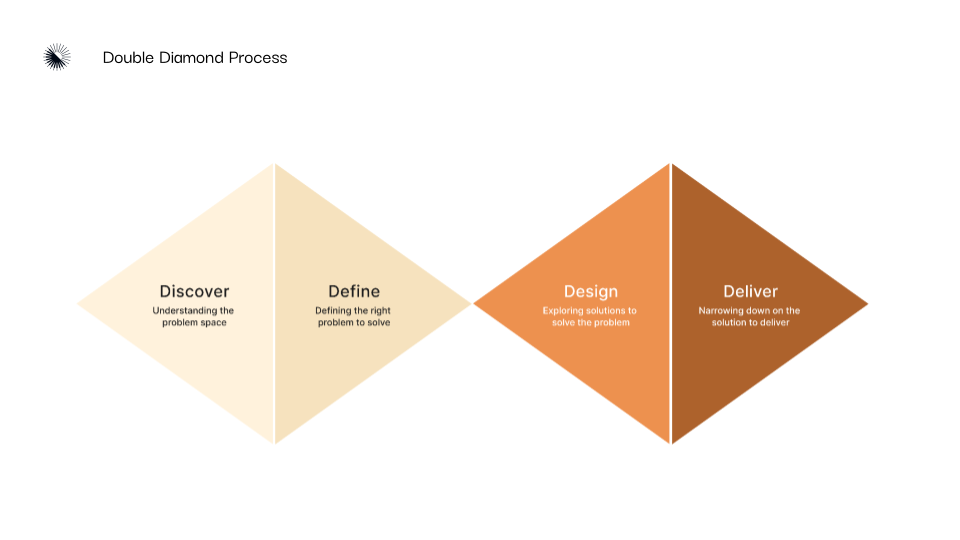
Externally, I also shared this case study with university students at my local alma mater (University of Alberta), using it as a teaching example of the double diamond process in practice. This gave aspiring designers a real-world view of how research and iteration shape impactful product outcomes in product development.